8분 읽기·최종 업데이트 2026-04-05
5. Drawing
전북대학교 · v1.0
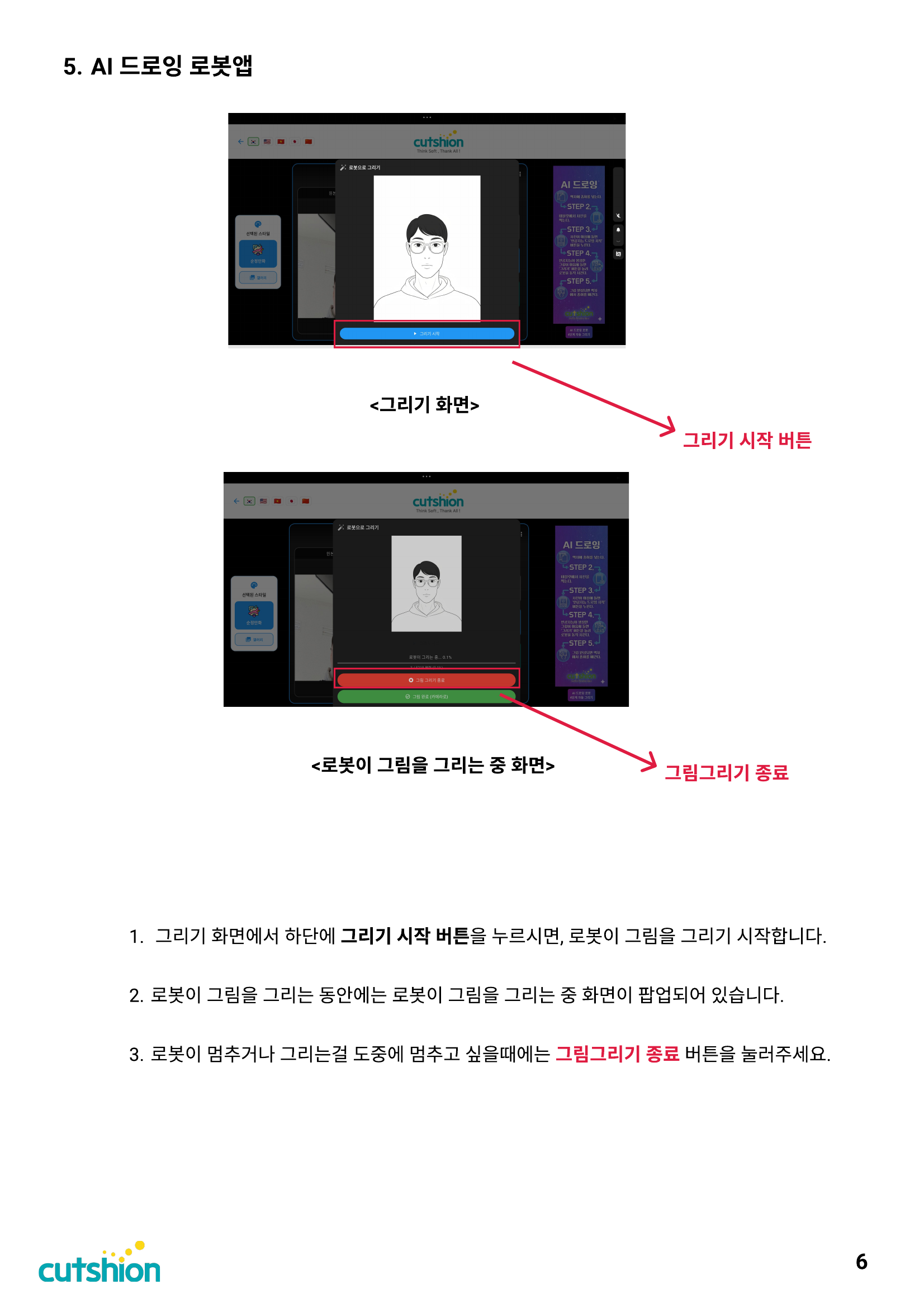
1. Press the Start Drawing button at the bottom of the drawing screen, and the robot will begin drawing. 2. While the robot is drawing, a drawing-in-progress popup will be displayed. 3. If the robot stops or you want to stop drawing midway, press the Stop Drawing button.
**Related screens** `Start Drawing Button` · `Stop Drawing`
이 섹션의 첨부 파일 (1)
Was this page helpful?